Running 30B+ LLMs Locally in 2026: VRAM Requirements, Quantization & Consumer GPU Benchmarks
On this page
- 1. The VRAM Equation: Why Parameter Count is Only Half the Battle
- A. Static Weight Memory
- B. The KV Cache (Key-Value Attention Cache)
- 2. Quantization Formats Compared: GGUF vs. EXL2 vs. AWQ vs. FP8
- 1. GGUF (GPT-Generated Unified Format)
- 2. EXL2 (ExLlamaV2)
- 3. Native FP8
- 3. Consumer GPU Benchmarks & Realities: What Can You Actually Run?
- Tier 1: 12GB VRAM (NVIDIA RTX 3060 12GB, RTX 4070)
- Tier 2: 16GB VRAM (NVIDIA RTX 4070 Ti Super, RTX 4080)
- Tier 3: 24GB VRAM (NVIDIA RTX 3090, RTX 4090)
- Tier 4: Dual 24GB GPUs (2x RTX 3090 = 48GB VRAM Workstation)
- 4. Software Stack: Ollama vs. llama.cpp vs. vLLM
- 1. Ollama (Best for Everyday Developer Productivity)
- 2. llama.cpp (Best for Granular Tuning & Low Resource Hardware)
- 3. vLLM (Best for Multi-User Teams & Agent Concurrency)
- 5. Optimization Masterclass: Squeezing 32k Context onto a Single 24GB GPU
- A. Enable FlashAttention
- B. Quantize the KV Cache to 8-bit or 4-bit
- C. Create an Optimized Ollama Modelfile
- 6. Summary Comparison Matrix
- 7. Frequently Asked Questions (FAQ)
- Can I run Llama 3.3 70B on a single 24GB GPU?
- Is Apple Silicon better than NVIDIA for local LLMs?
- How do I check my GPU layer offloading metrics?
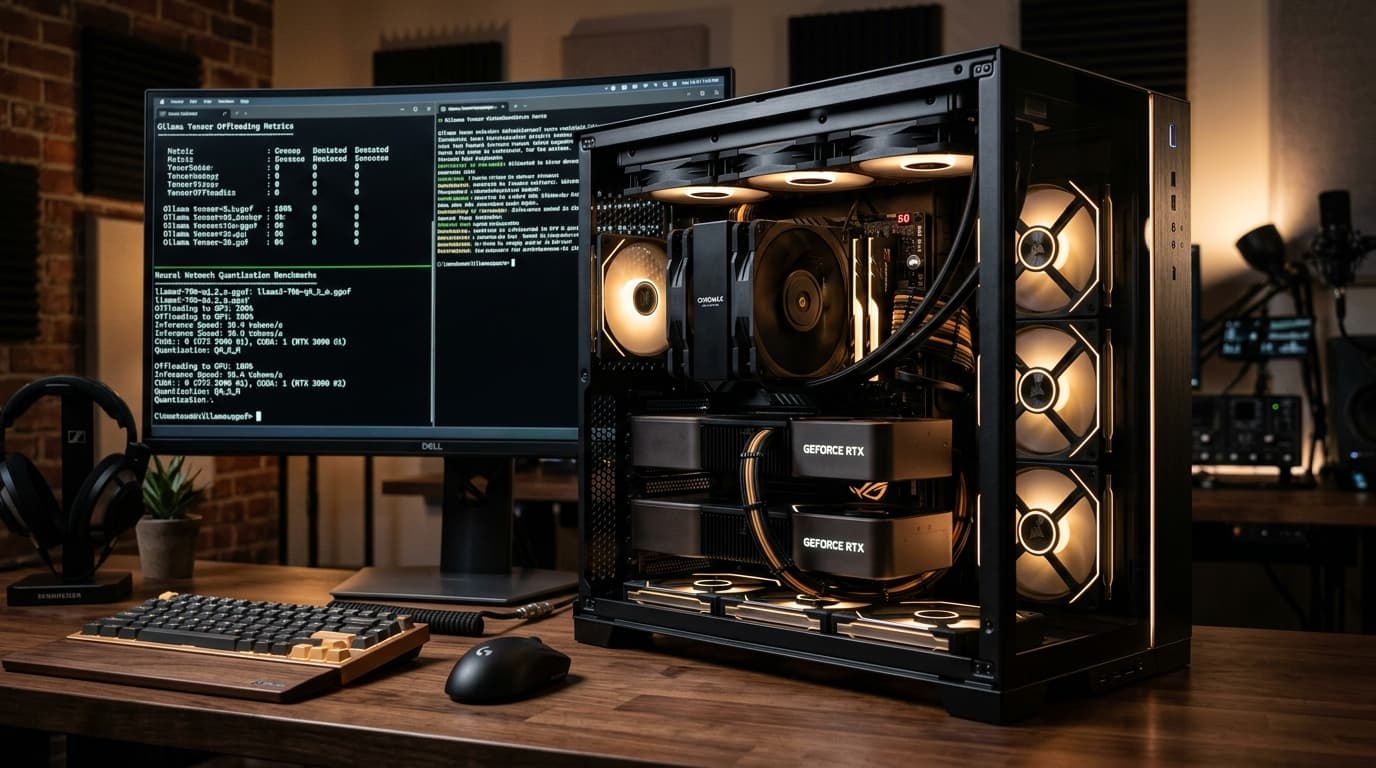
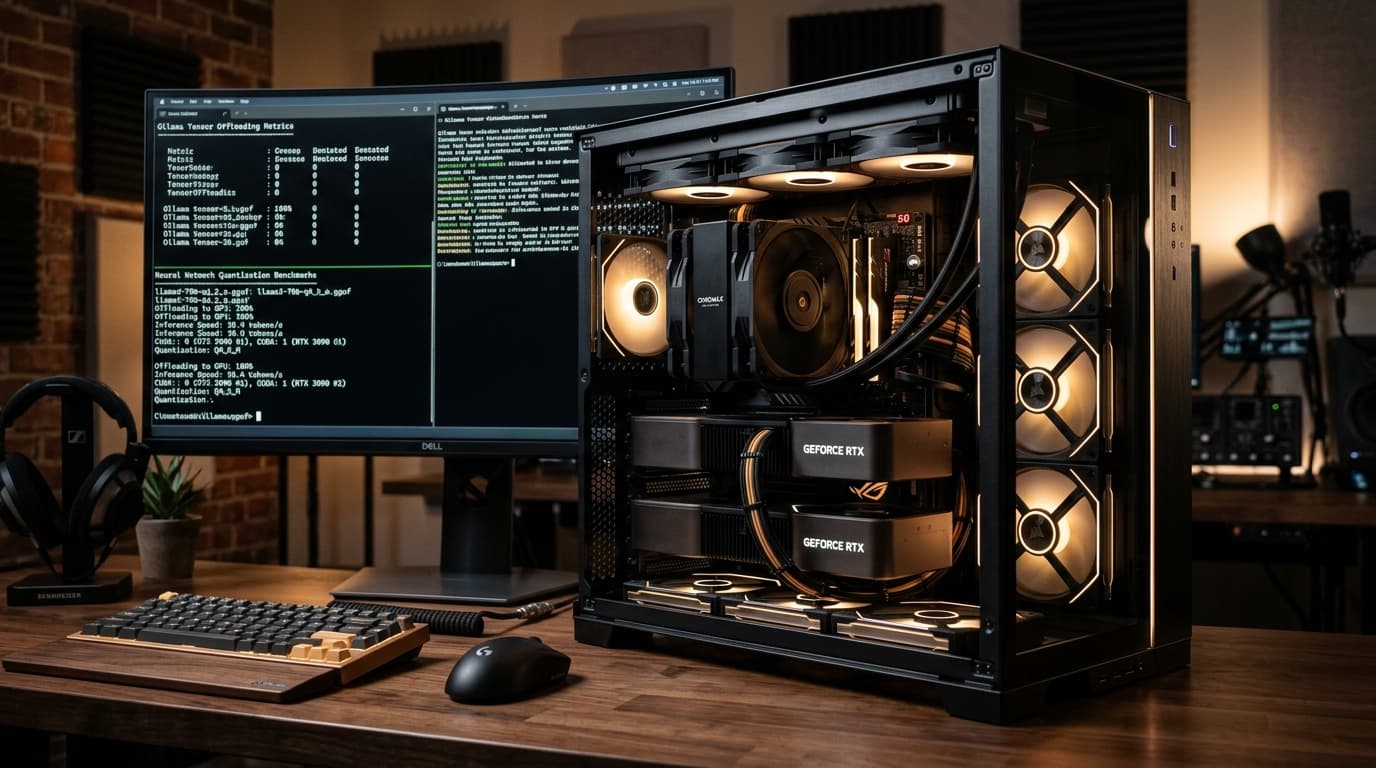
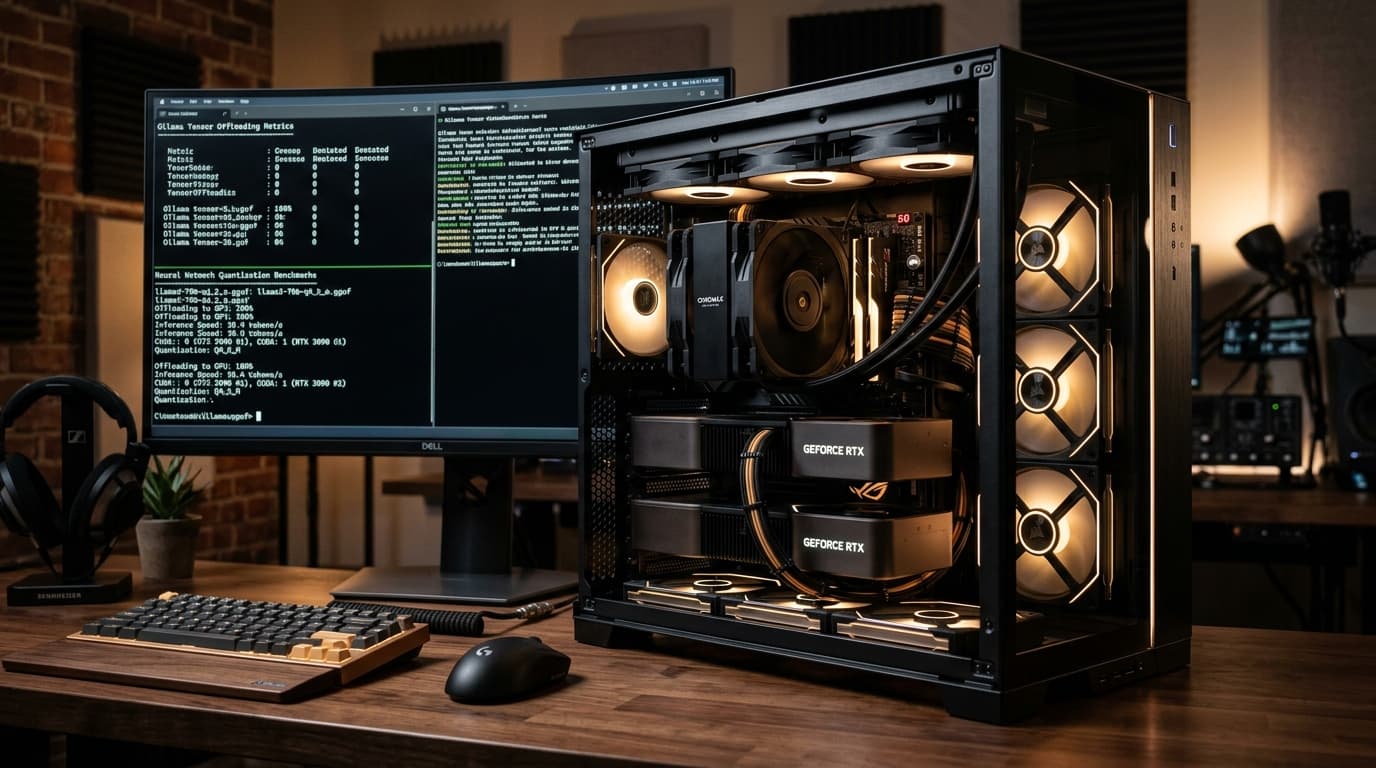
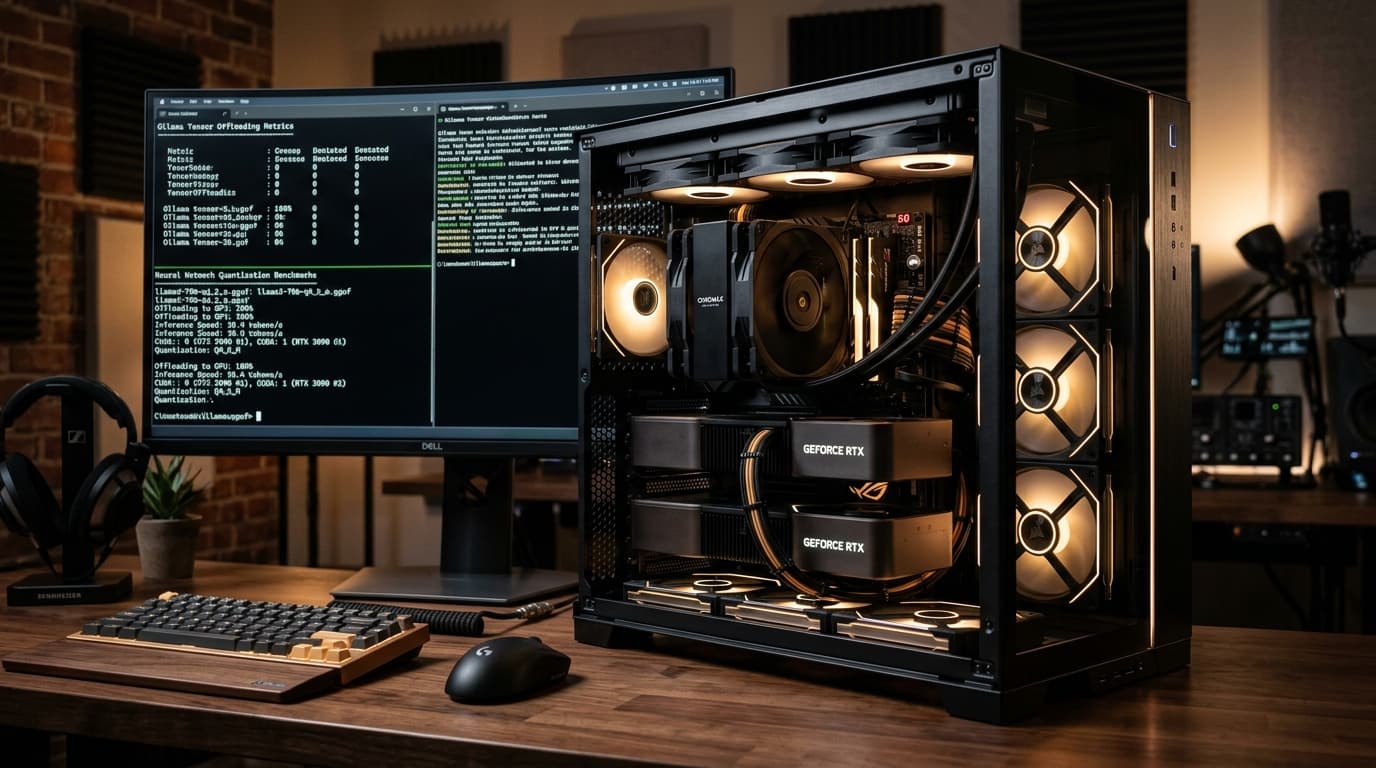
Dual GPU workstation running local LLM tensor offloading benchmarks
Running large language models locally has evolved from an eccentric developer hobby into a core operational strategy for software engineers, security researchers, and privacy-first organizations. In 2026, the baseline expectation for a local LLM has shifted dramatically: while 7B and 8B parameter models remain excellent for basic auto-completion and light summarization, demanding workloads — such as autonomous agent loops, complex multi-file codebase refactoring, structured JSON tool calling, and deep technical reasoning — require architectures in the 30B to 72B parameter class (such as Qwen 2.5 32B, Llama 3.3 70B, and DeepSeek-V3 MoE derivatives).
However, attempting to run a 30B+ model on consumer desktop hardware immediately collides with the unyielding physical constraint of GPU memory: The VRAM Wall.
In this comprehensive hardware guide, we dissect the exact mathematics of local LLM memory allocation, benchmark modern quantization algorithms (GGUF, EXL2, AWQ, and FP8), compare inference engines, and provide verified hardware profiles for consumer GPUs ranging from 12GB to dual-24GB workstation configurations.
1. The VRAM Equation: Why Parameter Count is Only Half the Battle
A widespread mistake among builders assembling AI workstations is calculating memory requirements solely based on the static weights of the model file on disk. In real-world inference, memory consumption is composed of three distinct allocations:
$$\text{Total VRAM Required} = \text{Model Weights} + \text{KV Cache Memory} + \text{CUDA Context & Activation Overhead}$$
VRAM Allocation Breakdown (32B Model @ 32k Context)
┌─────────────────────────────────────────────────────────────┐
│ ■ Model Weights (Q4_K_M): ~19.2 GB                          │
│ ▧ KV Cache (16-bit, 32k tokens): ~4.2 GB                   │
│ ▨ CUDA Runtime & PyTorch/llama.cpp Overhead: ~1.2 GB        │
├─────────────────────────────────────────────────────────────┤
│ Total Required VRAM: ~24.6 GB (Exceeds standard 24GB GPU!)  │
└─────────────────────────────────────────────────────────────┘
A. Static Weight Memory
The base memory required just to hold the quantized neural network weights in VRAM: $$\text{VRAM}_{\text{weights}} \approx \frac{\text{Parameters (Billions)} \times \text{Bits Per Weight}}{8} \times 1.15$$
For a 32-billion parameter model quantized to 4-bit precision (Q4_K_M, averaging ~4.5 bits per weight including scales), the base model alone consumes: $$\frac{32 \times 4.5}{8} \times 1.15 \approx 20.7\text{ GB}$$
B. The KV Cache (Key-Value Attention Cache)
Every token processed in your prompt and every token generated must be stored in the Key-Value (KV) attention cache so that self-attention layers do not have to recompute past tokens. The KV cache memory scales linearly with context length:
$$\text{VRAM}{\text{KV}} = 2 \times n{\text{layers}} \times n_{\text{heads}} \times d_{\text{head}} \times n_{\text{ctx}} \times \text{bytes per element}$$
At traditional 4k context windows, the KV cache was negligible (a few hundred megabytes). But in 2026, where developers routinely feed entire source repositories or long PDF documents across 32k, 64k, or 128k context windows, the KV cache alone can easily consume 4GB to 16GB of VRAM!
Pro-Tip: You can calculate your exact model offloading and context requirements dynamically using the AnuSutra Interactive VRAM Calculator.
2. Quantization Formats Compared: GGUF vs. EXL2 vs. AWQ vs. FP8
Quantization reduces the numerical precision of weights from 16-bit floating point (FP16/BF16) down to 8-bit, 4-bit, or even 2-bit representations. Not all quantization algorithms behave equally.
| Format | Primary Engine | Target Architecture | CPU Offload Support? | Best Use Case |
|---|---|---|---|---|
| GGUF | llama.cpp / Ollama | Universal (NVIDIA, AMD, Apple, CPU) | Yes (Layer-by-layer) | Workstations with limited VRAM; mixed GPU/System RAM; Apple Silicon |
| EXL2 | ExLlamaV2 | NVIDIA CUDA Only | No (Full GPU fit required) | Maximum token generation speed (100+ tok/s) on dedicated RTX GPUs |
| AWQ | vLLM / Aphrodite | NVIDIA / AMD ROCm | No | High-concurrency server hosting; continuous batching |
| FP8 (E4M3) | TensorRT-LLM / vLLM | NVIDIA Ada (RTX 40) & Hopper | No | Near-lossless precision with hardware-native tensor acceleration |
1. GGUF (GPT-Generated Unified Format)
Created by Georgi Gerganov and the llama.cpp community, GGUF is the universal king of local deployment.
- Why It Wins: Its defining superpower is hybrid offloading. If you have an RTX 3060 (12GB) and a 32B model that requires 20GB of VRAM, GGUF allows you to load 18 layers into fast GPU VRAM and spill the remaining 14 layers into your host system DDR5 RAM. While partial offloading is slower than 100% VRAM, it allows you to run models that would otherwise crash with Out-Of-Memory (OOM) errors.
- Recommended Quant:
Q4_K_M(Medium 4-bit with critical attention heads preserved at higher precision) orQ5_K_Mfor near-FP16 reasoning accuracy.
2. EXL2 (ExLlamaV2)
Crafted specifically for raw CUDA performance.
- Why It Wins: EXL2 supports arbitrary sub-bit quantizations (e.g., 3.2bpw, 4.25bpw, 5.0bpw) by analyzing quantization error per layer. If your model completely fits into VRAM, EXL2 delivers 2.5x to 4x the generation speed of llama.cpp, routinely hitting 65 to 110 tokens/sec on an RTX 4090.
- Limitation: Does not support CPU spillover.
3. Native FP8
NVIDIA’s RTX 40-series (Ada Lovelace) introduced native hardware execution units for FP8 (8-bit floating point).
- Unlike integer quantization (INT4/INT8), FP8 maintains floating-point dynamic range, resulting in virtually zero loss in mathematical reasoning and coding benchmarks compared to full 16-bit weights while cutting memory consumption in half.
3. Consumer GPU Benchmarks & Realities: What Can You Actually Run?
Let us examine real-world performance across the most common consumer hardware setups.
Consumer GPU Memory Capacity vs Model Tier
┌─────────────────────────────────────────────────────────────┐
│ [12 GB VRAM]  RTX 3060 / 4070                               │
│  └─ Runs 8B/14B @ Q4_K_M (Fast) | 32B @ Q3 (CPU Spillover)  │
├─────────────────────────────────────────────────────────────┤
│ [16 GB VRAM]  RTX 4070 Ti Super / RTX 4080                  │
│  └─ Runs Qwen 2.5 32B @ IQ3_M / Q3_K_S (Full VRAM Fit)      │
├─────────────────────────────────────────────────────────────┤
│ [24 GB VRAM]  RTX 3090 / RTX 4090 (The Sweet Spot)          │
│  └─ Runs Qwen 2.5 32B @ Q4_K_M with 32k context @ 45 t/s    │
├─────────────────────────────────────────────────────────────┤
│ [48 GB VRAM]  2x RTX 3090 (Workstation)                     │
│  └─ Runs Llama 3.3 70B @ Q4_K_M with 32k context @ 32 t/s   │
└─────────────────────────────────────────────────────────────┘
Tier 1: 12GB VRAM (NVIDIA RTX 3060 12GB, RTX 4070)
- Sweet Spot Model: Qwen 2.5 14B (Q5_K_M) or Mistral Nemo 12B (Q6_K).
- Can it run 30B+? Only with partial CPU offloading. In
llama.cpp/ Ollama, you can offload ~20 of 64 layers to the GPU, keeping the rest in DDR5. Expect 4 to 8 tokens per second. Useful for background batch jobs, but too sluggish for real-time interactive autocomplete.
Tier 2: 16GB VRAM (NVIDIA RTX 4070 Ti Super, RTX 4080)
- Sweet Spot Model: Qwen 2.5 32B (IQ3_M or EXL2 3.5bpw).
- Performance: By using modern importance-matrix 3-bit quants (
IQ3_M), a 32B model shrinks to approximately 14.8GB. This fits entirely inside 16GB VRAM at 8k context, delivering a blazing 35+ tokens per second.
Tier 3: 24GB VRAM (NVIDIA RTX 3090, RTX 4090)
The undisputed single-card champion for local AI.
- Sweet Spot Model: Qwen 2.5 32B (Q4_K_M or EXL2 4.25bpw).
- Real Benchmark:
- Base Model Weights: 19.4 GB
- KV Cache (FP8 quantized, 32,768 context): 2.4 GB
- CUDA Runtime: 1.1 GB
- Total VRAM: 22.9 GB (Fits entirely inside 24GB VRAM)
- Generation Speed: 42 to 48 tokens per second on an RTX 4090; 28 to 32 tokens per second on an RTX 3090.
Tier 4: Dual 24GB GPUs (2x RTX 3090 = 48GB VRAM Workstation)
The ultimate price-to-performance setup for serious researchers ($1,400 to $1,600 total budget using used RTX 3090 cards).
- Sweet Spot Model: Llama 3.3 70B (Q4_K_M) or Qwen 2.5 72B (Q4_K_M).
- Configuration: Split across cards using PCIe 4.0 x8/x8 slots (tensor parallelism or layer splitting:
--tensor-split 1,1). - Generation Speed: 28 to 34 tokens per second at 32k context with zero CPU bottleneck.
4. Software Stack: Ollama vs. llama.cpp vs. vLLM
Choosing your inference backend determines your throughput, latency, and memory headroom.
1. Ollama (Best for Everyday Developer Productivity)
- Pros: Zero-friction installation, automatic GPU detection, background daemon with OpenAI-compatible API (
http://localhost:11434/v1), seamless integration with Open WebUI, Cursor, Continue.dev, and Claude Code. - Cons: Slightly higher memory overhead (~500MB) due to Go wrapper; less granular control over advanced KV cache quantization flags.
2. llama.cpp (Best for Granular Tuning & Low Resource Hardware)
- Pros: Raw C++ execution, lowest memory footprint, supports cutting-edge FlashAttention-2, native quantized KV cache (
--ctk q8_0 --ctv q8_0), and speculative decoding. - Cons: Requires CLI compilation and manual flag management.
3. vLLM (Best for Multi-User Teams & Agent Concurrency)
- Pros: Implements PagedAttention (preventing memory fragmentation across parallel queries) and chunked prefill. Essential if you are serving multiple developers or running multi-agent swarms.
- Cons: Strictly designed for enterprise Linux environments; consumes large upfront memory pools.
5. Optimization Masterclass: Squeezing 32k Context onto a Single 24GB GPU
If you are running a 32B model on a single 24GB card and hitting Out-Of-Memory errors during long context queries, apply these three critical flags:
A. Enable FlashAttention
Traditional attention scales quadratically ($O(N^2)$) in memory. FlashAttention reorganizes attention computation into high-speed GPU SRAM blocks, dropping memory usage significantly:
# In llama.cpp / llama-server
llama-server -m qwen2.5-32b-instruct-q4_k_m.gguf -c 32768 -ngl 99 -fa
B. Quantize the KV Cache to 8-bit or 4-bit
By default, the KV cache is stored in 16-bit floating point (f16). You can reduce KV cache memory consumption by 50% to 75% with virtually undetectable perplexity degradation:
# Reduces KV cache from 4.8GB down to 2.4GB at 32k context:
--ctk q8_0 --ctv q8_0
C. Create an Optimized Ollama Modelfile
If using Ollama, create a custom Modelfile to permanently lock in memory efficiency:
FROM qwen2.5:32b-instruct-q4_K_M

# Lock 32k context window
PARAMETER num_ctx 32768

# Force all layers to GPU
PARAMETER num_gpu 99

# Low temperature for precise code execution
PARAMETER temperature 0.2
Build it with: ollama create my-qwen32b -f Modelfile.
6. Summary Comparison Matrix
| GPU Configuration | VRAM | Max 100% VRAM Model | Tok/s (Prompt) | Tok/s (Gen) | Best Use Case |
|---|---|---|---|---|---|
| RTX 3060 12GB | 12 GB | 14B (Q4_K_M) | 450 t/s | 35 t/s | Fast local coding, code completion |
| RTX 4070 12GB | 12 GB | 14B (Q5_K_M) | 750 t/s | 48 t/s | Modern desktop dev, quick tasks |
| RTX 4070 Ti Super | 16 GB | 32B (IQ3_M) | 850 t/s | 36 t/s | High-reasoning 32B on a mid-range budget |
| RTX 3090 24GB | 24 GB | 32B (Q4_K_M) | 1,100 t/s | 32 t/s | The best value AI workstation card ($700 used) |
| RTX 4090 24GB | 24 GB | 32B (Q4_K_M) / EXL2 | 2,800 t/s | 48 t/s | Zero-compromise single-GPU performance |
| 2x RTX 3090 24GB | 48 GB | 70B (Q4_K_M) | 1,800 t/s | 32 t/s | Enterprise 70B reasoning at consumer cost |
| Apple M3 Max (64GB) | 64 GB | 70B (Q4_K_M) | 350 t/s | 14 t/s | Ultra-quiet, unified memory laptop workflow |
7. Frequently Asked Questions (FAQ)
Can I run Llama 3.3 70B on a single 24GB GPU?
Only with extreme sub-2.5-bit quantization (IQ2_XXS) or partial CPU offloading. However, 2-bit quantization severely harms the model's logic, mathematics, and code synthesis capabilities. For high-quality 70B inference, a minimum of 40GB to 48GB of VRAM (dual GPUs or Apple Mac Studio) is strongly recommended.
Is Apple Silicon better than NVIDIA for local LLMs?
It depends on your goal:
- NVIDIA GPUs have far higher memory bandwidth (up to 1,008 GB/s on RTX 4090) and raw tensor performance, making token generation 3x to 5x faster.
- Apple Silicon (Unified Memory) allows you to allocate up to 128GB+ of RAM as shared VRAM on a Mac Studio without buying multi-GPU server motherboards, making it unbeatable for fitting massive 70B to 120B models on a quiet desktop, albeit at lower generation speeds (12–18 tok/s).
How do I check my GPU layer offloading metrics?
Run ollama ps in your terminal while a model is generating. It will display the exact percentage of the model offloaded into GPU memory (e.g., 100% GPU vs 68% GPU / 32% CPU).
Related reading on the AnuSutra Engineering Desk:

Written by Ravindra Valand
Part of AnuSutra's editorial team, writing reviews and deep-dives on tech and gaming.