Unreal Engine 5 Shader Stutter: Why Modern PC Games Keep Stuttering and How Developers Are Fixing It
On this page
- Why Consoles Never Suffer From This Problem
- The DirectX 11 to DirectX 12 Architectural Shift
- Combinatorial Explosion and Unreal Engine's Challenge
- Traversal Stutter: The Other Half of the Equation
- How Developers and Engines Are Engineering the Fix
- 1. Asynchronous PSO Compilation
- 2. Mandatory Pre-Compilation Loading Screens
- 3. Valve's Steam Shader Pre-Caching Infrastructure
- 4. Advanced DirectStorage and Memory Decompression
- The Bottom Line for PC Players

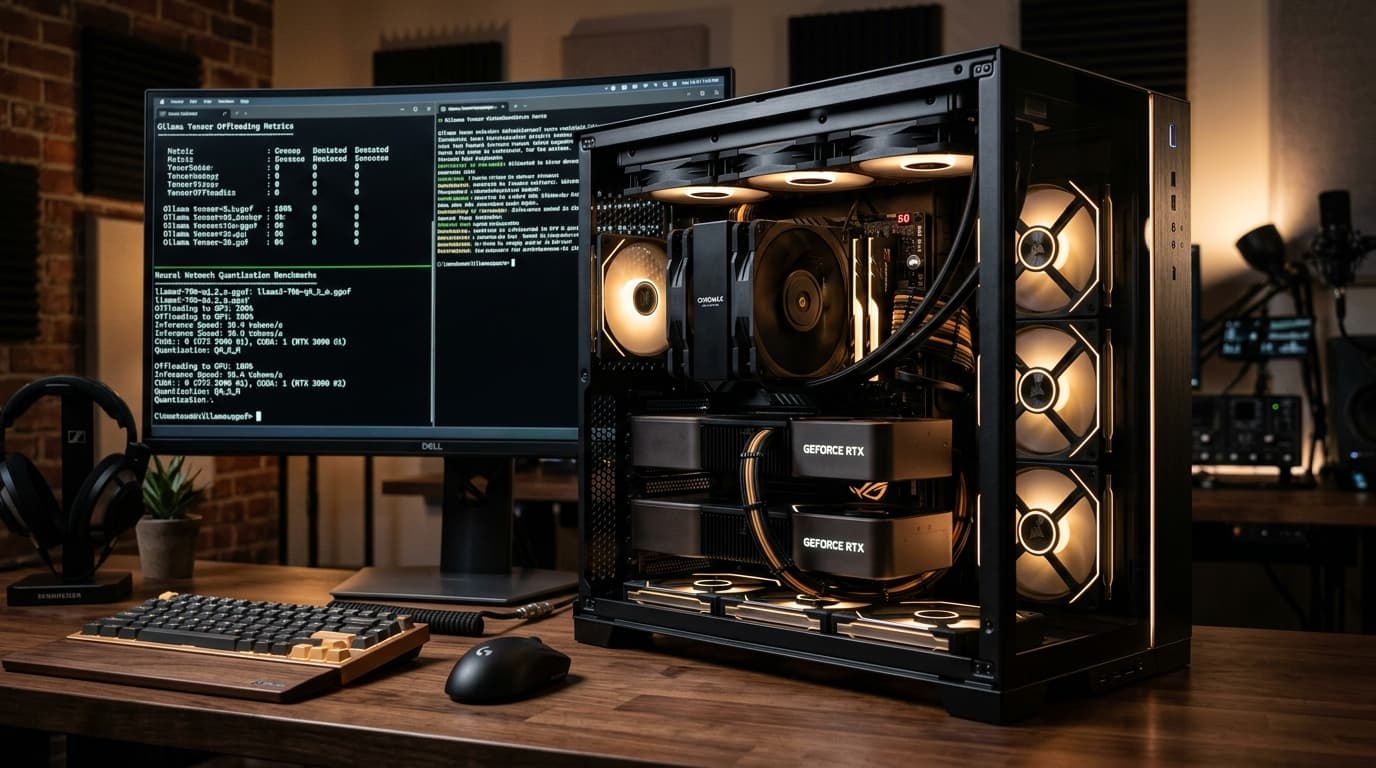
A player installs a high-profile action release on a cutting-edge gaming PC equipped with an RTX 4090 and an elite multicore processor. The benchmark runs at an average of 120 frames per second. Yet the moment combat begins, an enemy casts an unfamiliar spell, or a grenade detonates in a new corridor, the entire screen locks up for a fraction of a second, dropping frame times from 8 milliseconds to over 80 milliseconds.
This sudden stutter is not a symptom of insufficient computing power or inadequate video memory. It is the visible manifestation of shader compilation stutter — a structural friction between modern low-level graphics APIs, the combinatorial nature of PC hardware, and how game engines assemble rendering instructions in real time.
Why Consoles Never Suffer From This Problem
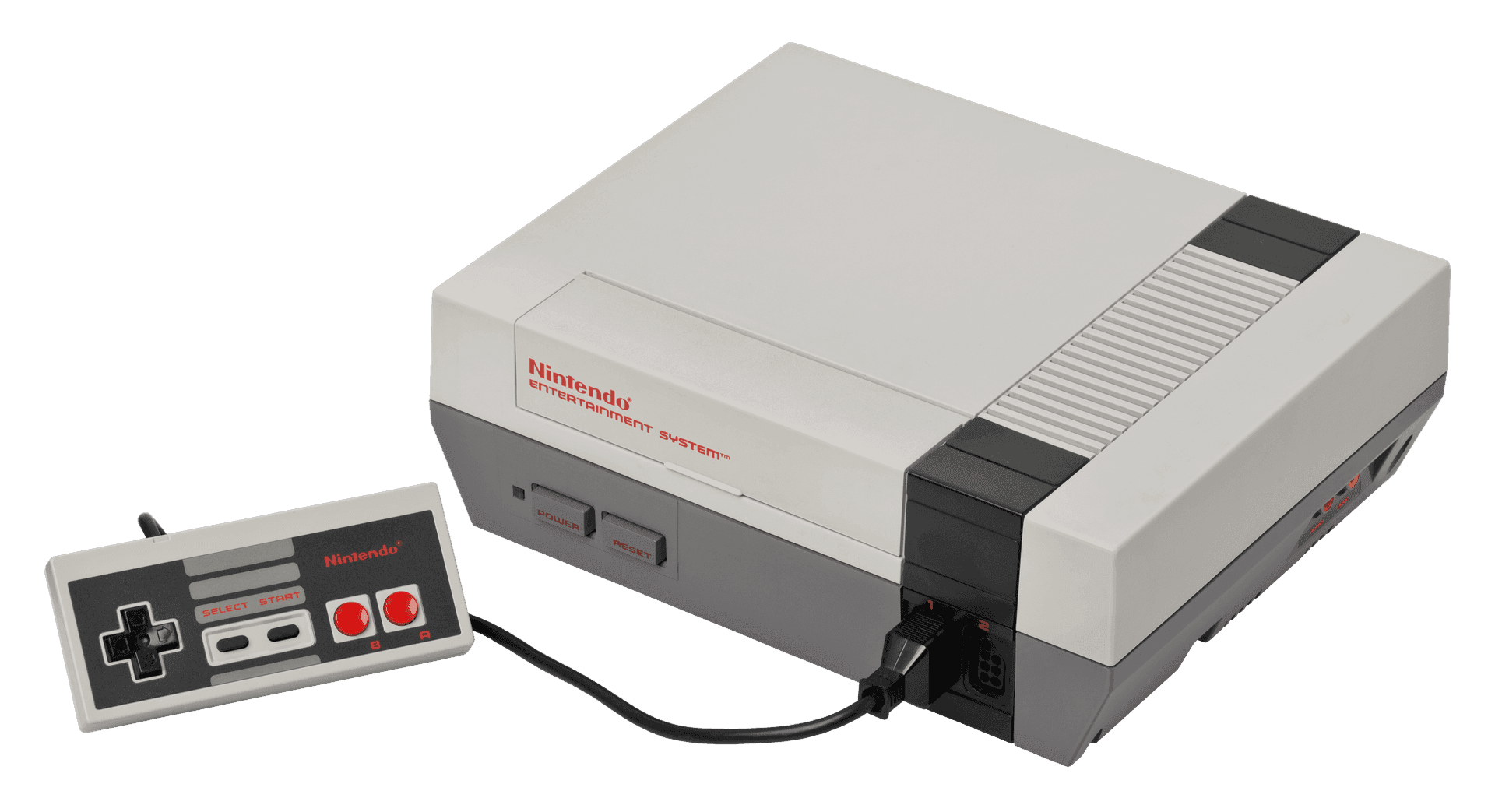
To understand why PC gaming struggles with shader stutter, it helps to look at why modern consoles like the PlayStation 5 and Xbox Series X do not experience it.
A console represents a single, mathematically fixed hardware target. Every PlayStation 5 ships with the identical AMD RDNA 2 GPU silicon. Because the manufacturer controls the exact architecture down to the silicon register layout, game studios do not compile shaders on the player's console. Instead, the developer compiles every vertex, pixel, and compute shader directly into the target GPU's native machine bytecode on their own build servers before shipping the game. When a console downloads a game, it downloads precompiled binary machine code ready for immediate execution by the GPU.
PC gaming operates in the exact opposite reality. The PC ecosystem encompasses hundreds of distinct GPU architectures spanning multiple generations from Nvidia, AMD, and Intel. An Ada Lovelace chip (RTX 40-series) executes instructions differently than an Ampere chip (RTX 30-series), an RDNA 3 card (Radeon 7000-series), or an Intel Arc Battlemage processor.
Because game developers cannot know in advance which GPU silicon, driver version, or motherboard chipset a player owns, games ship with shaders written in intermediate representations — such as Microsoft's High-Level Shader Language (HLSL) or SPIR-V bytecode. Before that code can draw a single pixel on a specific monitor, the player's local graphics driver must compile those instructions into machine code tailored specifically to that exact graphics card.
The DirectX 11 to DirectX 12 Architectural Shift
For over a decade during the DirectX 11 and OpenGL era, shader stutter was comparatively rare. This was not because the hardware was superior, but because the API hid the complexity behind driver heuristics.
Under DirectX 11, the graphics driver was responsible for managing memory, guessing rendering states, and compiling shaders dynamically in background worker threads. When an uncompiled shader appeared, drivers frequently made educated guesses or fell back to generic paths, occasionally causing minor frame drops but rarely hard stalls.
DirectX 12 and Vulkan fundamentally altered this arrangement. Designed as explicit, low-level APIs, they stripped away driver overhead and handed direct, bare-metal control of GPU memory and scheduling to the game engine itself. With that newfound power came absolute responsibility.
Central to this redesign was the introduction of the Pipeline State Object (PSO). In modern graphics programming, a shader no longer exists as an isolated snippet of code. A PSO is an immutable, unified configuration block that bundles together:
- The vertex shader (which positions 3D geometry in world space)
- The pixel/fragment shader (which calculates lighting and color)
- The blend state (which determines transparency and alpha composition)
- The rasterizer state (which controls wireframe, culling, and multisampling)
- The depth-stencil state (which manages visual occlusion)
- The render target formats and primitive topology
Because a PSO is strictly immutable once constructed, the GPU driver must compile the complete package as a single atomic unit. If a game engine requests to render an object whose specific combination of vertex shader, lighting shader, material texture format, and blending mode has not yet been compiled into a PSO, the render pipeline faces a hard stop. The CPU render thread must pause execution, compile the PSO synchronously, hand the compiled binary to the GPU, and only then resume rendering the frame. To the human eye, that 50-to-100-millisecond pause registers as an jarring micro-stutter.
Combinatorial Explosion and Unreal Engine's Challenge
In modern titles built on Unreal Engine, the number of potential PSO permutations can exceed hundreds of thousands.
Consider a standard character model. The base skin shader must be combined with environmental wetness when it rains, blood splatter decals during combat, directional shadows cast by multiple dynamic lights, and motion blur parameters. Each variation creates a unique Pipeline State Object that the engine must have ready.
Historically in Unreal Engine 4, if a developer failed to catalog every possible permutation during development, missing PSOs would be compiled synchronously on the main thread during gameplay. This produced the infamous "first-time stutter" — the first time you swung an electric sword, the game froze; the second time you swung it, the frame rate was butter-smooth because the compiled PSO was now sitting in the driver's local disk cache.
Compounding this in Unreal Engine 5 are its core architectural pillars: Nanite (virtualized micropolygon geometry) and Lumen (fully dynamic global illumination and reflections). While Nanite renders millions of geometric triangles without traditional LOD pop-in, it utilizes customized compute shaders to evaluate visibility clusters in software rasterization passes. If these specialized compute pipelines encounter uncompiled states while navigating complex geometry, the frame pacing suffers.
Traversal Stutter: The Other Half of the Equation
PC gamers frequently attribute all uneven frame pacing to shader compilation, but modern engines contend with a second, equally disruptive culprit: traversal stutter.
Traversal stutter occurs when a player moves rapidly through a game world and crosses an invisible streaming cell boundary. As the camera enters a new zone, the engine must stream gigabytes of uncompressed geometry, high-resolution textures, and collision meshes from the NVMe SSD into system RAM and VRAM.
Even with modern DirectStorage APIs, decompressing asset packages and updating the spatial acceleration structures required for raytracing (the Bounding Volume Hierarchy, or BVH) demands intense CPU processing. When an engine's background asset streaming worker thread competes with the main game thread for CPU cache lines and memory bandwidth, frame delivery times spike. Unlike shader compilation stutter — which resolves once a shader is compiled and cached — traversal stutter can recur every time the player traverses between streaming boundaries.
How Developers and Engines Are Engineering the Fix
The PC development ecosystem has mounted a multipronged technical offensive against both forms of frame-pacing degradation:
1. Asynchronous PSO Compilation
Beginning with Unreal Engine 5.1 and expanded through version 5.5, Epic Games overhauled the PSO architecture to decouple compilation from the render thread. The engine can now generate placeholder proxy shaders (such as a flat, untextured preview) while the complex material PSO compiles asynchronously in background threads. While a slight visual pop-in may occasionally be visible for a split second, the frame rate maintains its steady cadence without locking the render pipeline.
2. Mandatory Pre-Compilation Loading Screens
Many modern releases now feature a dedicated "Optimizing Shaders" progress bar on first launch. During this screen, the engine iterates through bundled PSO cache lists and forces the local GPU driver to compile thousands of standard combinations ahead of time using all available CPU threads. While players may grumble at a three-minute initial startup wait, it eliminates the vast majority of in-game combat micro-stutters.
3. Valve's Steam Shader Pre-Caching Infrastructure
On Linux and the Steam Deck, Valve engineered an elegant platform-level solution called Fossilize. Whenever any Steam player encounters and compiles a new PSO during gameplay, the intermediate bytecode is anonymized and sent back to Steam's servers. Steam then compiles these into device-specific binary caches for each supported GPU family. When subsequent players download or update the game, Steam automatically downloads the fully compiled shader cache before launch — effectively replicating the console experience on PC hardware.
4. Advanced DirectStorage and Memory Decompression
To combat traversal stutter, modern implementations offload asset decompression directly onto the GPU's compute units via DirectStorage 1.2+ and Vulkan extension equivalents. By bypassing the CPU during texture streaming and asset loading, game engines free up system memory bandwidth for physics, AI, and frame delivery calculations.
The Bottom Line for PC Players
Shader compilation stutter is not an indicator of a weak graphics card, nor is it proof of lazy development. It is the architectural tax of bridging highly explicit modern graphics APIs across an infinite variety of PC hardware configurations.
As engine-level asynchronous compilation matures, bundled PSO pre-caching becomes universal practice, and platform-level shader distribution expands, the PC gaming ecosystem is steadily closing the gap — preserving the visual fidelity of modern real-time rendering while delivering the rock-solid frame pacing players expect.

Written by Ravindra Valand
Part of AnuSutra's editorial team, writing reviews and deep-dives on tech and gaming.